

aureumchaos
-
Postów
1 489 -
Dołączył
-
Ostatnia wizyta
Treść opublikowana przez aureumchaos
-
 Co to znaczy, że ma urlop?? Do roboty! Aktualizować. Co to ma byc? Za darmo robi i na urlop jeszcze? W dupach się poprzewracało
 -
A to na 40xx poleci?
-
ju siure? w drive sa dziwne pliki a swapper nie ma dlssNR tylko zwykle... emm ale co mam upuscic?

-
skad w rhi wziasc ten nowy model?? mam tylko to czyli stary

-
Tez lece z tym modem... Presja czasu mi przeszkadza bo nie bede przechodzil tej gry 2 raz wiec chce zrobic co sie da za 1 razem.
-
Clive Barker's Hellraiser: Revival
aureumchaos odpowiedział(a) na aureumchaos temat w Gry komputerowe (PC)
Cliv Barker jest dumny z gry: https://www.dreadcentral.com/interviews/593584/clive-barker-hellraiser-future-weinstein-exclusive/ Barker had his own concerns about how much of that identity would survive. “I was fearful at one point that the game would be overly censored but I’m genuinely astonished by how far they’ve been able to push it,” he said. “I’m proud as fuck at the end result.” -
Clive Barker's Hellraiser: Revival
aureumchaos odpowiedział(a) na aureumchaos temat w Gry komputerowe (PC)
Bo inaczej nie byłoby kontrowersyjnie PS. Na Steam też gra jest oceniana przez innych 9/10, właśnie sprawdziłem :p.thumb.jpg.941368dac1202704c7ec825e350e3db5.jpg)
-
Clive Barker's Hellraiser: Revival
aureumchaos odpowiedział(a) na aureumchaos temat w Gry komputerowe (PC)
Na steam jest prosto, albo pozytywne albo negatywne, żadnych ocen nie ma. Ale ja też krótki gameplay i albo tak albo nie -
Clive Barker's Hellraiser: Revival
aureumchaos odpowiedział(a) na aureumchaos temat w Gry komputerowe (PC)
Ufff
-
Clive Barker's Hellraiser: Revival
aureumchaos odpowiedział(a) na aureumchaos temat w Gry komputerowe (PC)
Ja pierdziu. Przecież pisałem że moja Subiektywna ocena. Od samego początku pisałem, se mega mi się podoba bo uwielbiam horrory i gore (I gry i filmy). Czyli co taki crimson ludzie się podniecają więc nawet jak mi się nie podoba to mam dać 8/10 no przecież ludzie mowio że dobra a ja daje 6/10 bo rozmydlony badziew z 1000 problemów bez fabuly ale jak gra ki się mega podoba i grało mi sia w nią mega dobrze to mam dać ocenę 5/10 bo inni mi powiedzieli, że gra jest słaba. Może zaraz mi powiecie, na kogo mam głosować? Lub jakie filmy mają mi się podobać? 😂 W sumie pod Waszymi naciskami zmieniam zdanie co do gry:
-
Clive Barker's Hellraiser: Revival
aureumchaos odpowiedział(a) na aureumchaos temat w Gry komputerowe (PC)
Ktoś tu się chwali projekcja swoich intymnych problemów, to wiele tłumaczy 🤭 -
Clive Barker's Hellraiser: Revival
aureumchaos odpowiedział(a) na aureumchaos temat w Gry komputerowe (PC)
Argumenty się skończyły więc czas na osobiste podjazdy. "Ładnie się nam Pan tutaj przedstawił" 🤭 -
Clive Barker's Hellraiser: Revival
aureumchaos odpowiedział(a) na aureumchaos temat w Gry komputerowe (PC)
Rozumiem, Ty robiłeś Collegium Balticum z gier i Twoje opnie są jedyne jakie trzeba brać pod uwagę 👌😂 -
Clive Barker's Hellraiser: Revival
aureumchaos odpowiedział(a) na aureumchaos temat w Gry komputerowe (PC)
Ale co mam się znać? Mam mieć doktorat z fpp i fps? Mam 45 lat a gram od czasow commodore c64. Są gry które mi się podobają, takie które bardzo mi się podobają i takie co mniej lub w ogole. Crimson Desert np to dla mjie mega słaby przereklamowany tytuł a inni pieją że to goty, w gta v próbowałem 4 razy no i nie poszło, głupia jest dla, mnie, pusta. Teraz panika bo Gta 6 ma być i to ponoć goty, nawet szkoda mi czasu trailer oglądać. Hf ograłem chyba z 10 razy, Me1, 2,3 i 4 tez. Hellrisere mi się zaje podobal wiec dostał 9/10 no grało się jak smooth, to samo townfall, po prostu mega klimat, zagadki... No ale rozumiem, nie mam doktoratu z youtuberow krytykantow więc się nie znam. Może tak a może nie. To Twoja Subiektywna ocena Peace!
-
Niech tylko ki mody popsują to się wybiorę do nich. Specjalnie czekałem aż się znudzą patche.... 🙄 Omg.
-
Clive Barker's Hellraiser: Revival
aureumchaos odpowiedział(a) na aureumchaos temat w Gry komputerowe (PC)
Ale co Was boli? Subiektywna ocena? Macie swoją, spox. Ja mam swoją. Przynajmniej moja własna, bo połowa z Was wkleja youtuberow którzy kształtują Wasze zdanie a których ja mam w poważaniu. -
Ja uzywam RHI i dlss od fuse i na raze nie crashuje, to sam stosuje w dawnwalkerze i tez jest ok, rak samo ok bylo tez przez cay hellriser i caly resonant.
-
Clive Barker's Hellraiser: Revival
aureumchaos odpowiedział(a) na aureumchaos temat w Gry komputerowe (PC)
Dalej daje 9/10 w czasach wspolczesnych. Czasy hf juz nie wroca. -
Clive Barker's Hellraiser: Revival
aureumchaos odpowiedział(a) na aureumchaos temat w Gry komputerowe (PC)
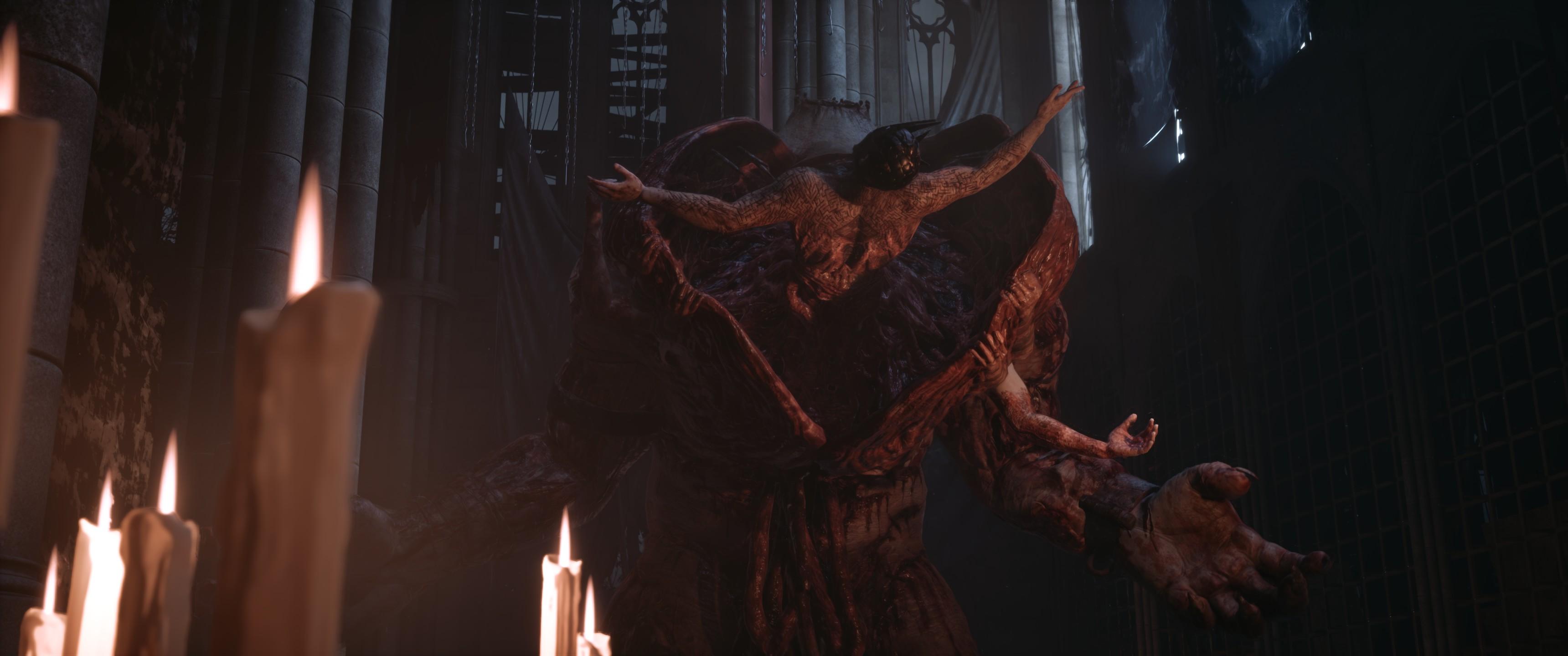
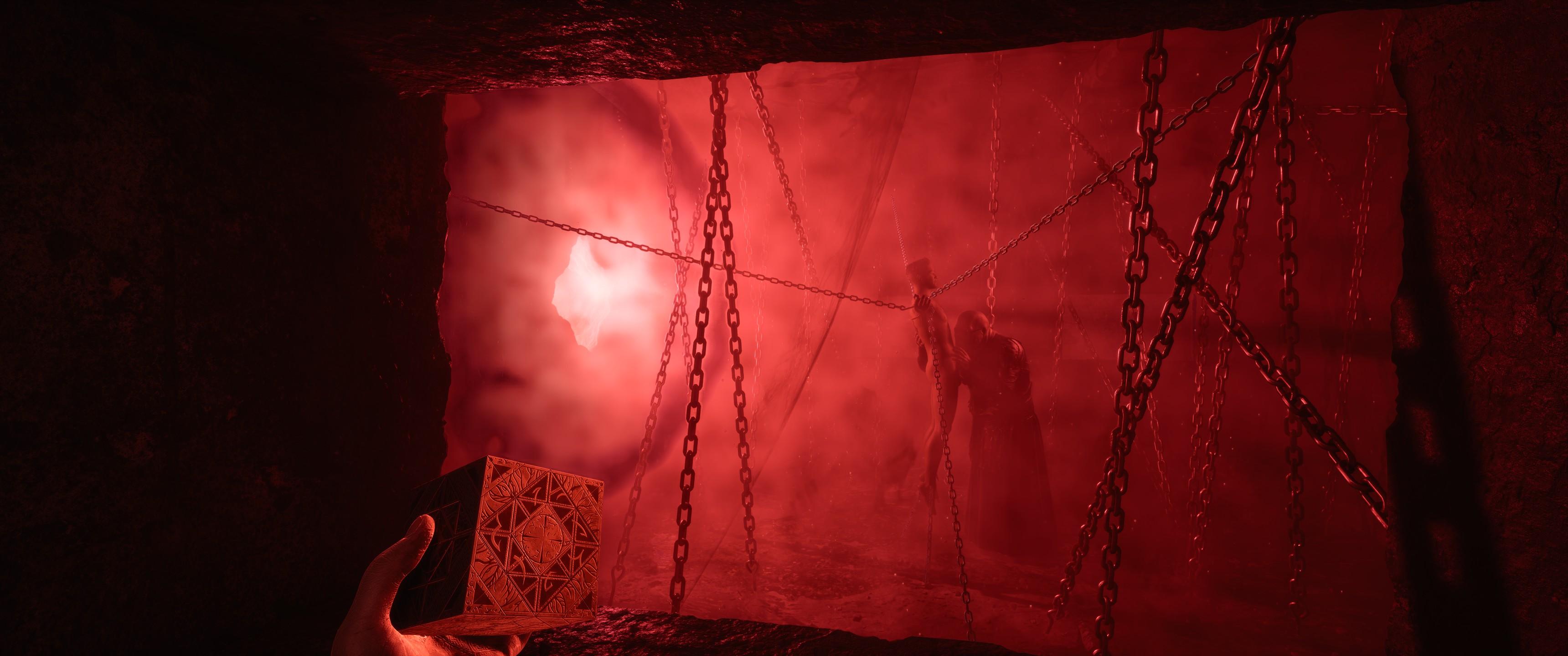
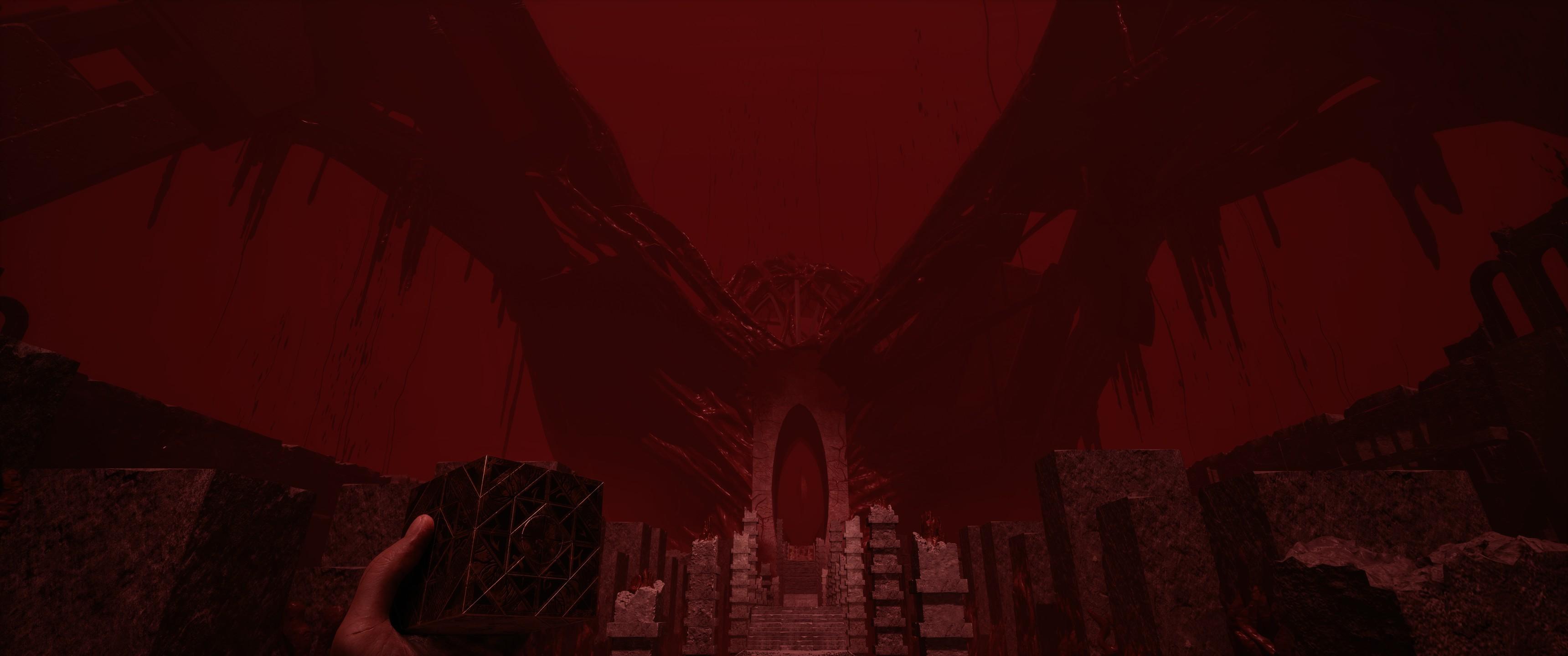
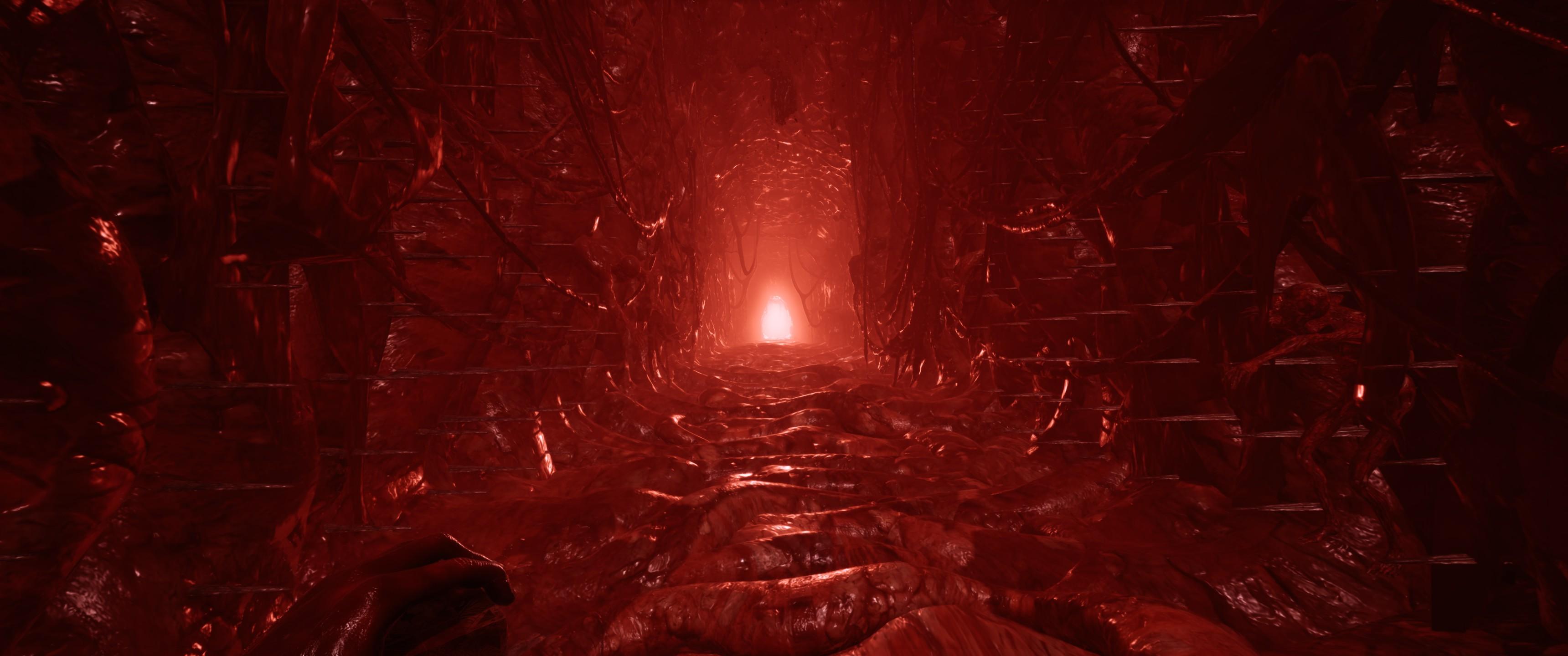
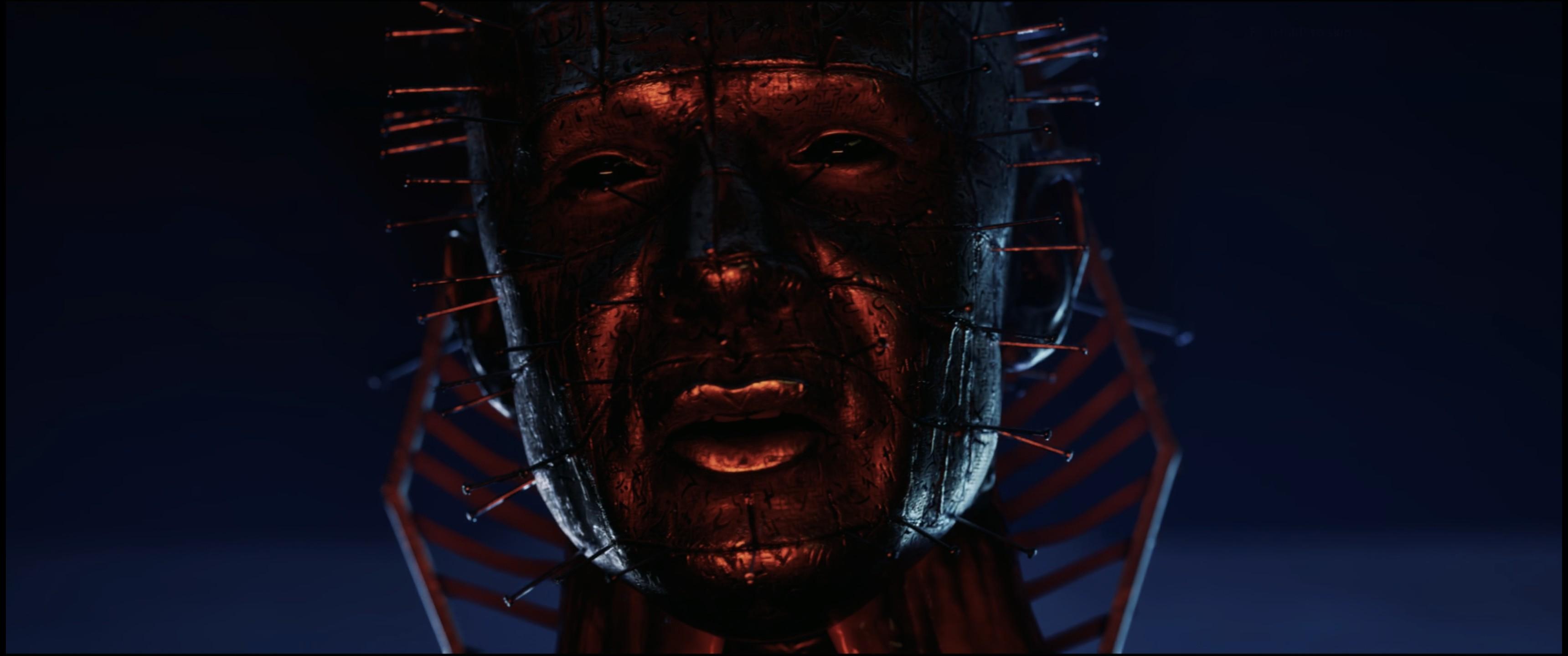
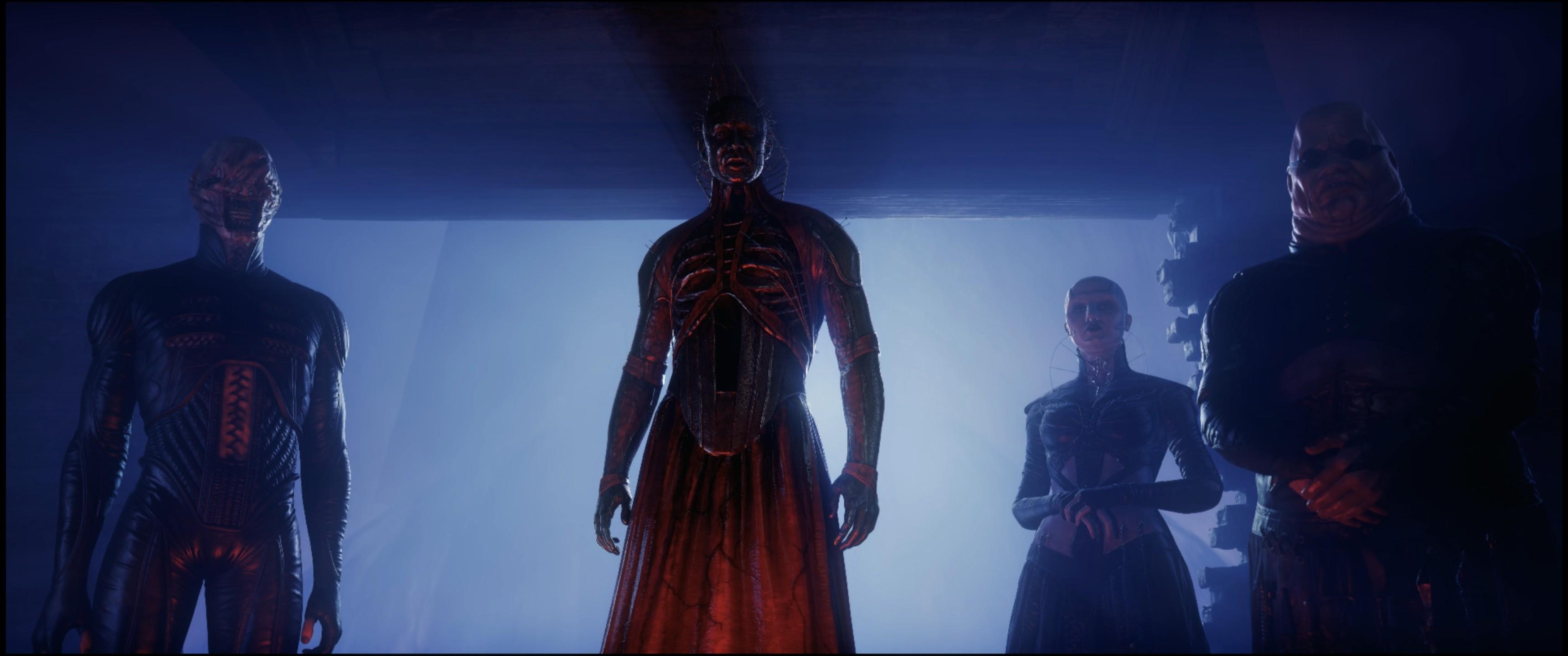
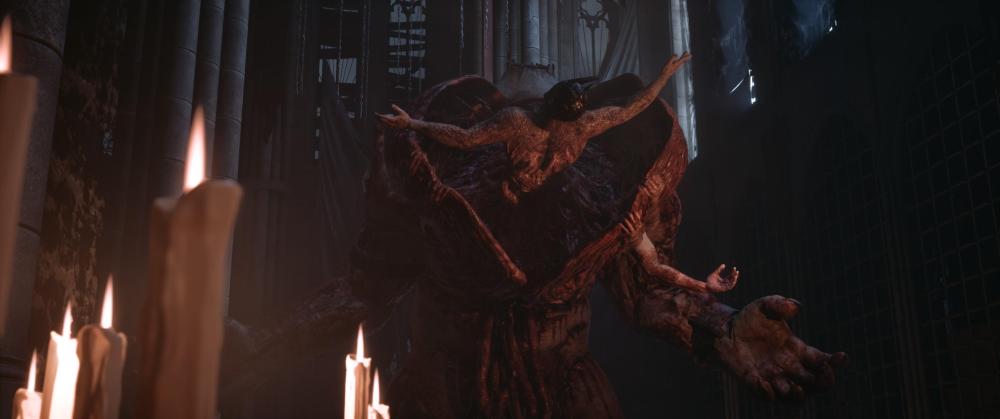
No i skonczone!!! Swietna gra!! Daje 9/10!! Zabieram 1 gwiazdke za to ze malo bosow i 3 razy ten sam byl. Jakosc cut scenek tez moglaby byc lepsza. Ale gameplay spoko, sceny soczyste jak i walenie pala przez leb. Kawal dobrej gry i lekkie zakosczenie ze az tak dobrej Jakies screeny/spoilery
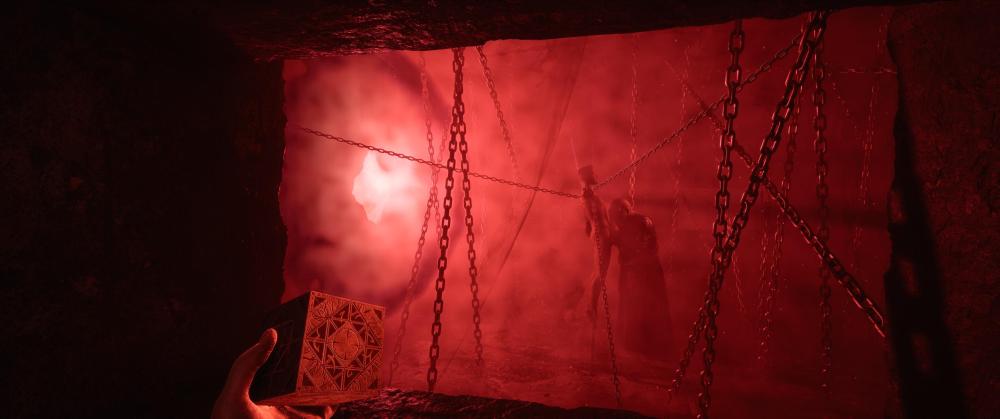
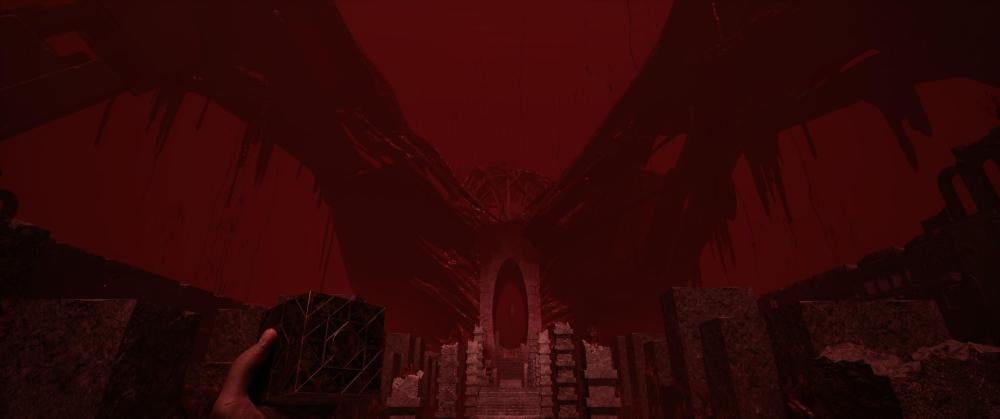
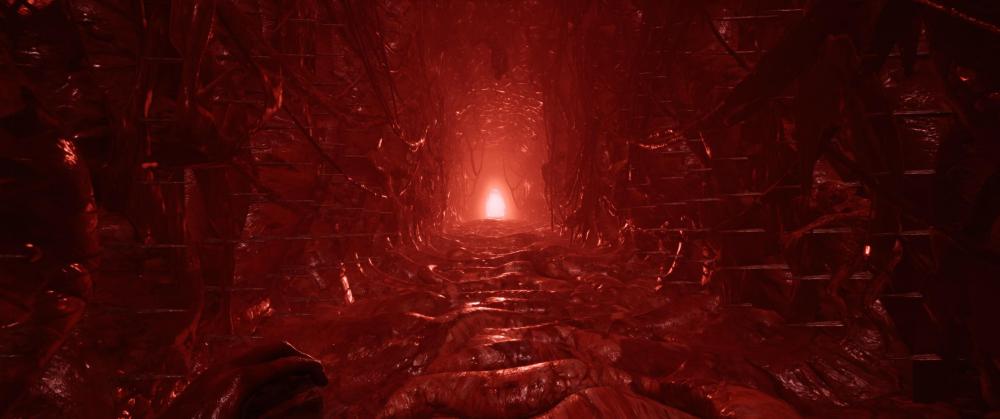
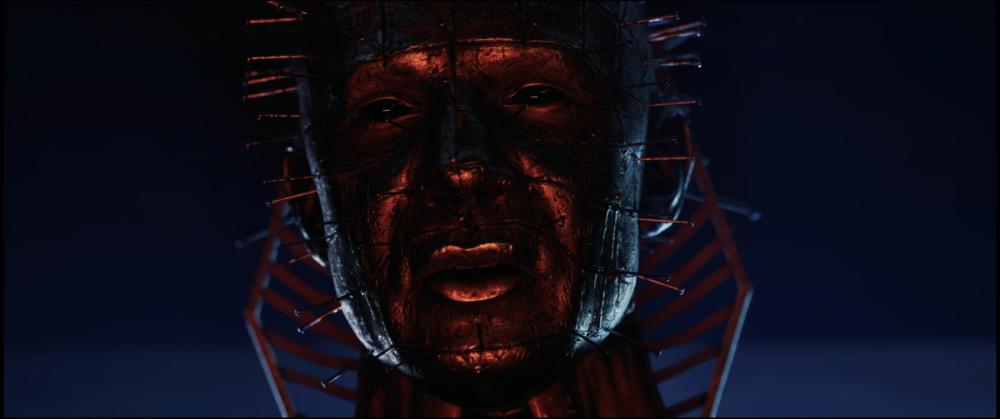
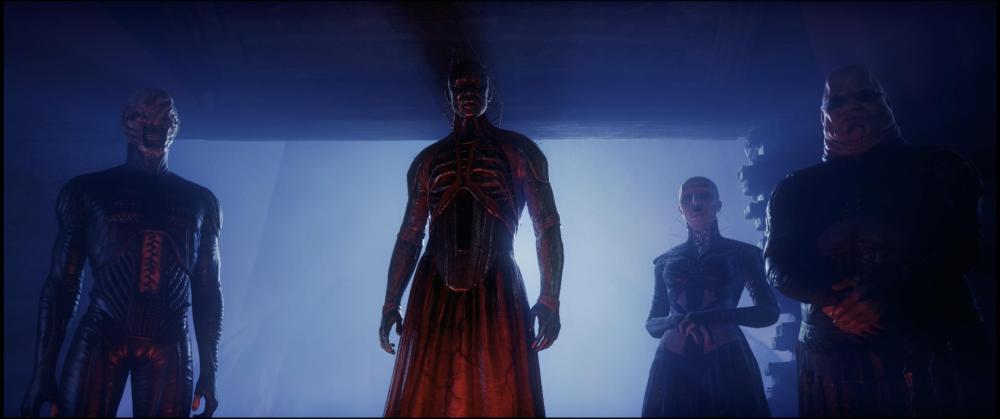


-
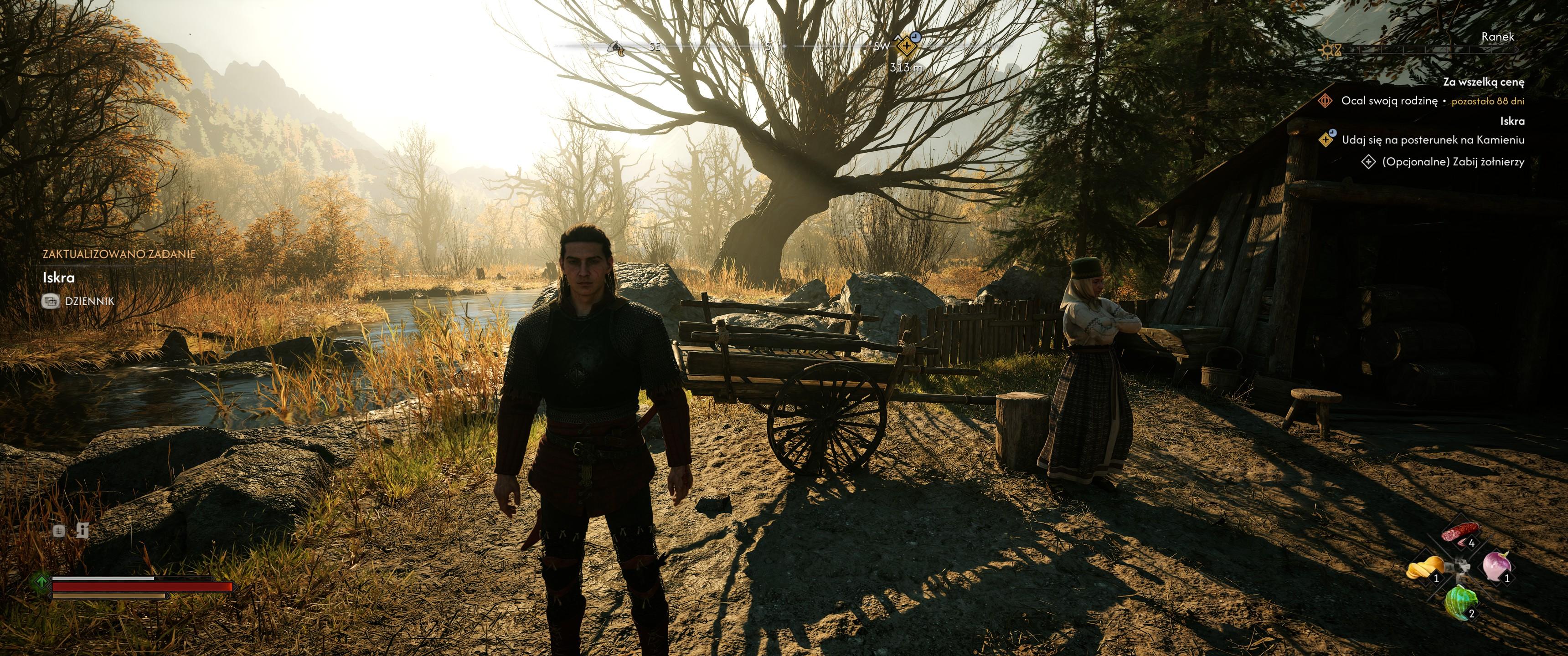
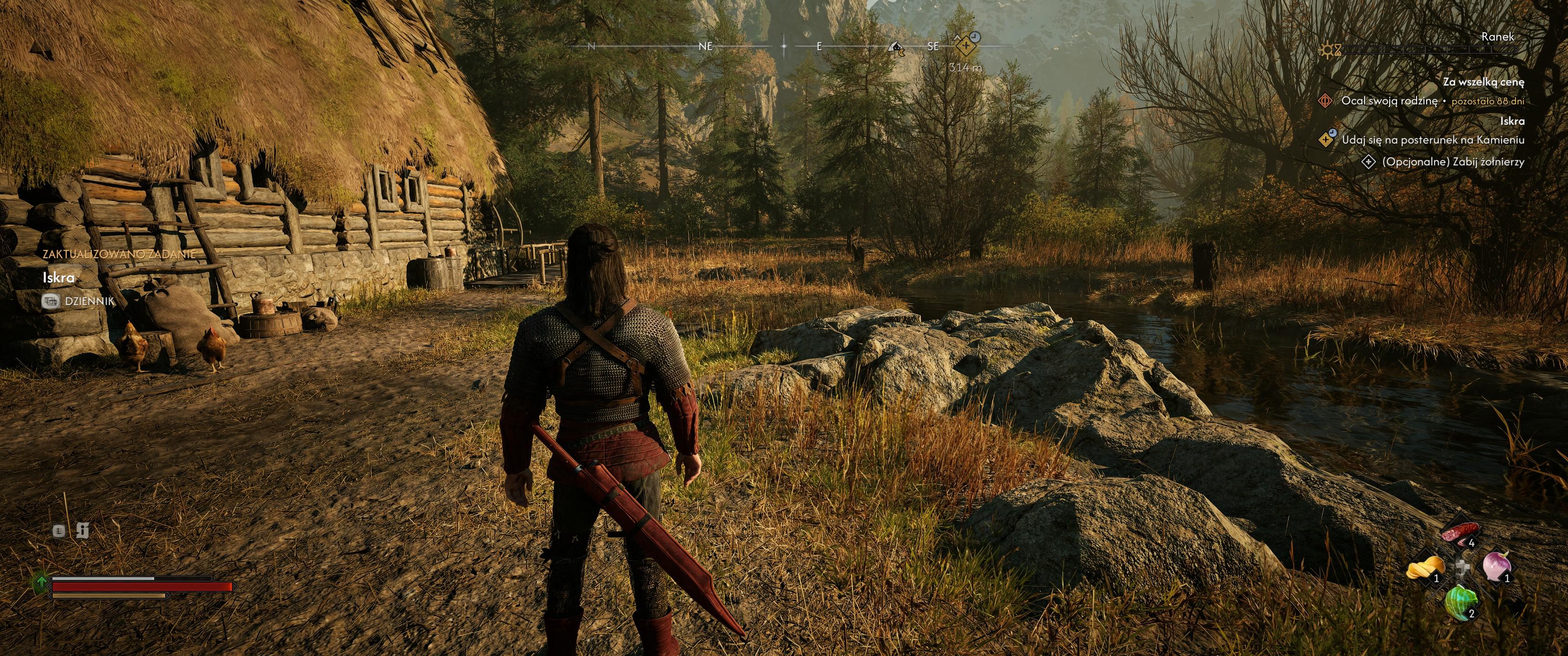
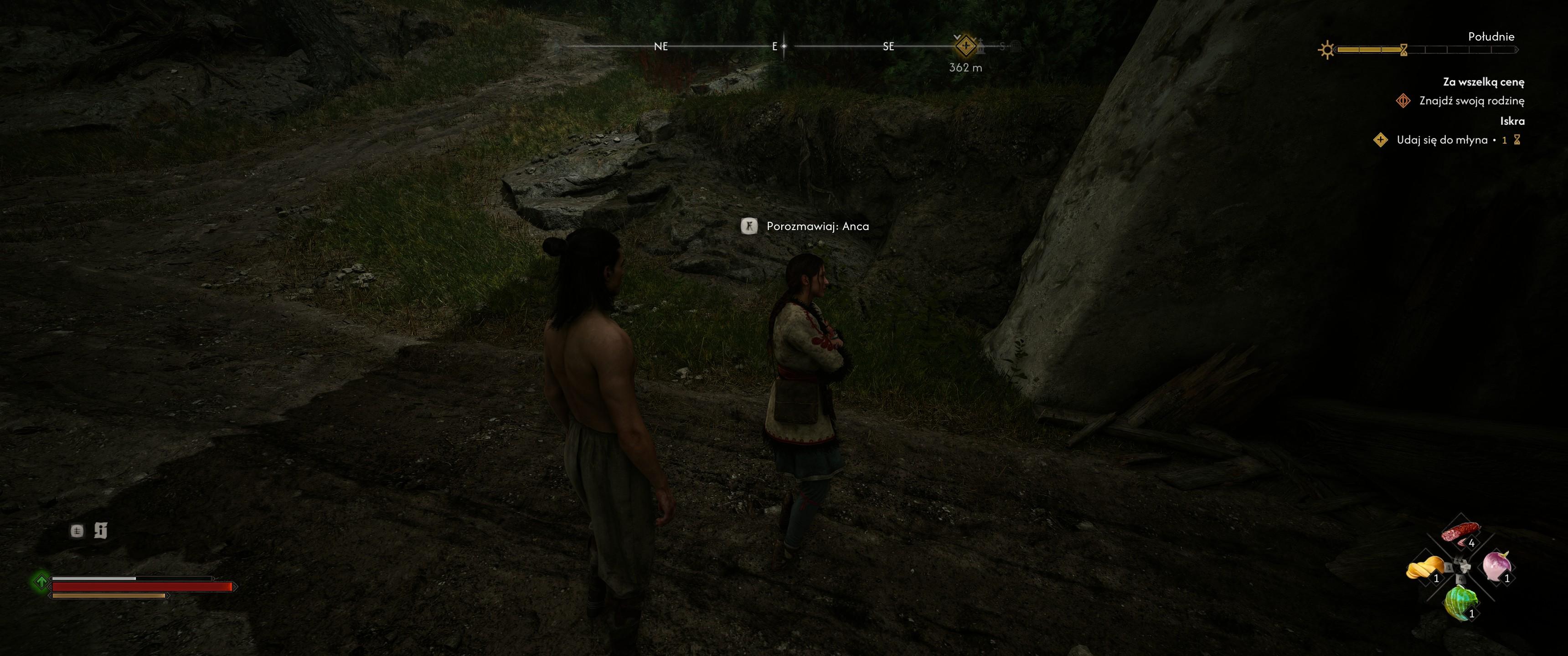
No dobra. Zamontowalem tego moda https://www.nexusmods.com/thebloodofdawnwalker/mods/215 i po walczeniu na ultra post procesingu nic juz nie mryga a grafa chyba wyglada ok. Screeny wyszly dziwne bo gram z RTX HDR A tu Ance cos sie ze stopami stalo, chyba jest baletnica
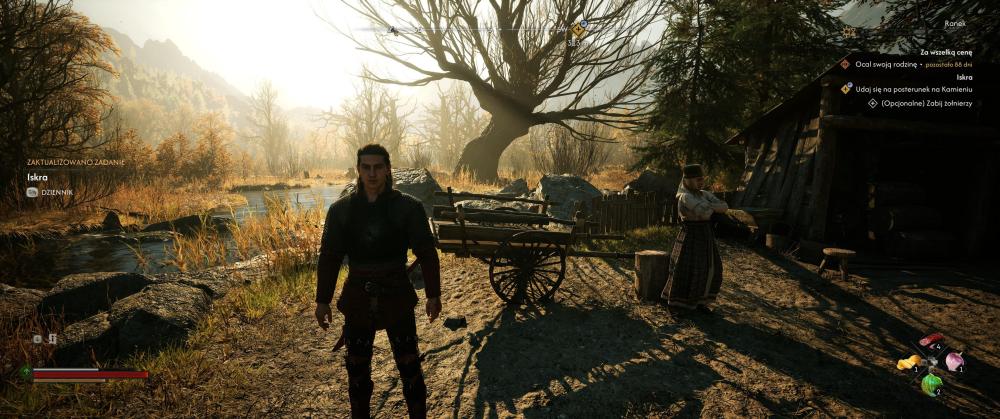
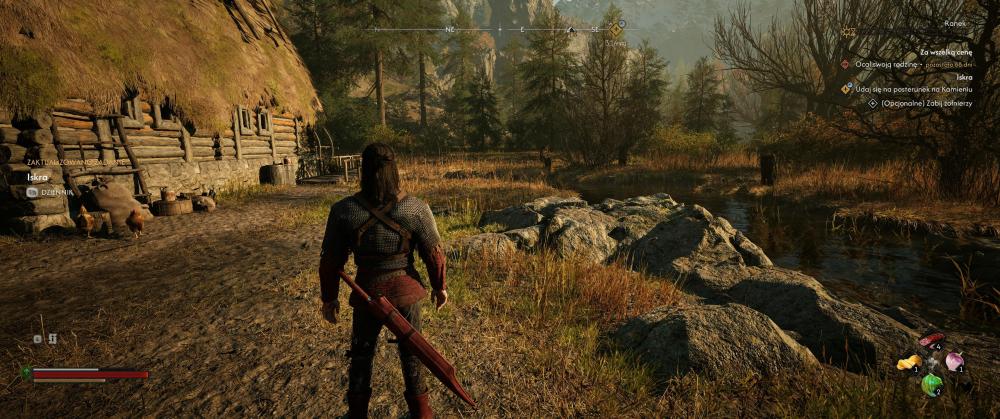
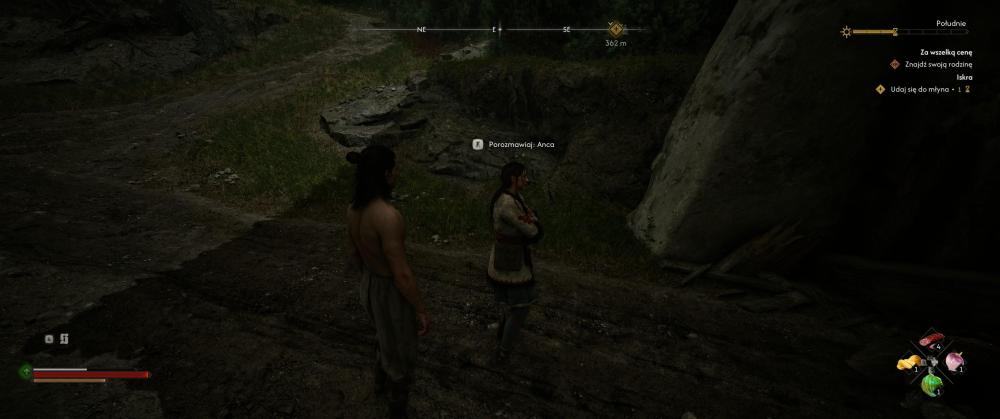
-
nie podoba mi sie, jest super plastikowo i jakb sie kolory przepalily. Dla mnie na nie.
-
AAAAAaaaaa nowe zabawki ida oby tylko platne si enie zrobily jak Ryszawy gdzies pisal bo bedzie slabo jak mody beda za paywallem. Ale robie sobie backup tych co teraz sa bo te nowe cos tawrz ynoe dotykaja
-
Ja pierdziele, znalazlem jedna porade na steam zeby zejsc na post procesingu z ultra na high i przestalo mrygac po restarcie gry.... Ciekawe ile stracilem i co. Reszta jest na ultra. Zauwazylem tez ze bardzo biedny LoD jest w tej grze, schodzilem zaraz na poczatku w zimie od grobu matki do tej wiochy i dopiero po chwili pojawil sie snieg na drgach ale nie ze tuz przede mna tylko tez dalej. Slabizna straszna, zaraz wchodza mody jakies. Za takie cos od razu 1 gwiazdka spada w dol. Nie ma zadnego wytlumaczenia dla taiego ostanu gry przu silniku UE gdzie sie wiekszosc samo robi, typowe lenistwo tottalne dwow, gra jest niedorobiona, lub zrobina technicznie na odpał.
-
https://www.nexusmods.com/witcher3/mods/13650?tab=description rozne pory roku w wiedzminku.

-
A to chyba zalezy jak duze chlodzenie jest. U mnie przy 300W mam 67C na rdzeniu i 54C na pamieciach.



.jpg.05f630b09eac0d79cf23fad1ddef92b0.jpg)